How to take a good photo
A good photo is the biggest thing you can do for a clean file. Five quick checks, then shoot.
Tips for a good photo
- Flat on a table
- Daylight, no flash
- One panel fills the frame
- No folds
- Straight down, not at an angle
- Leave out any text, logos or watermarks: Ankit stitches whatever is inside the box.
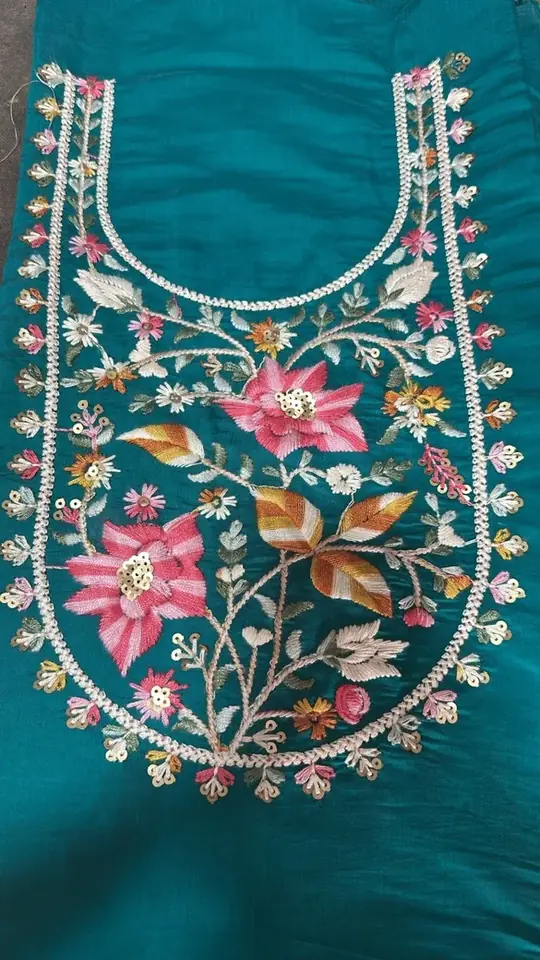
Do Lay it flat on a table
Do: Spread the panel flat on a plain table or floor.
Don't: Hold it up, hang it, or shoot it while someone wears it.
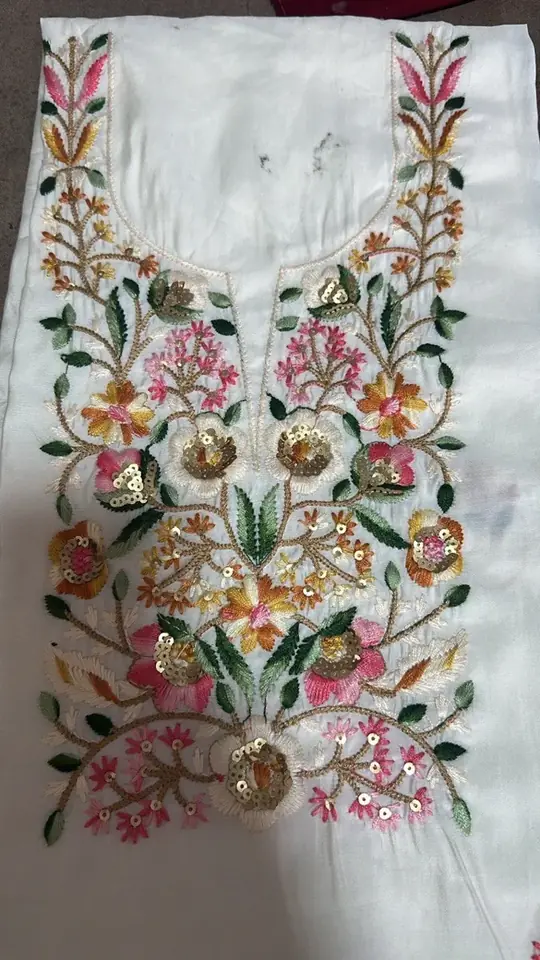
Do Don't Use daylight, no flash
Do: Shoot near a window or outside in shade.
Don't: Use flash or a single yellow bulb. Glare hides stitches.
Don't: Illustration of the mistake
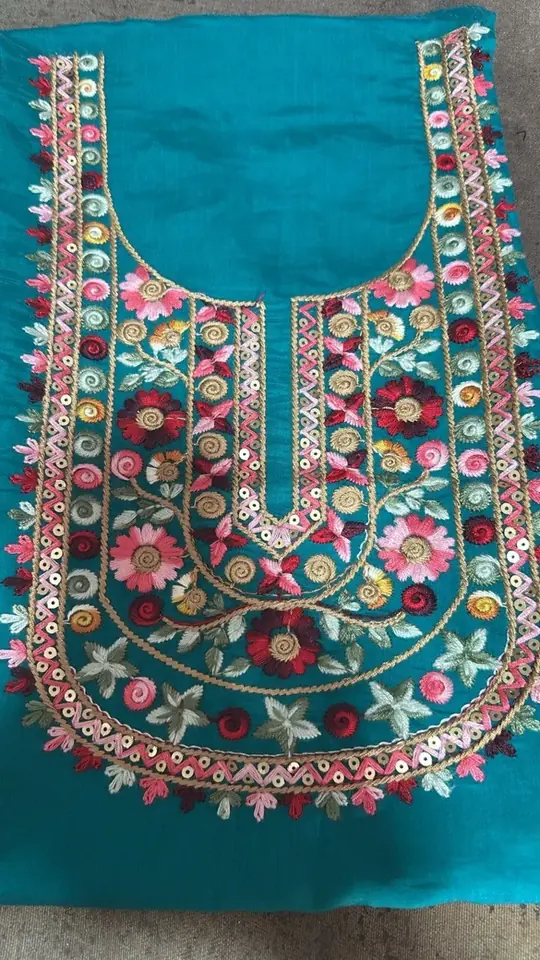
Do Don't Fill the frame with one panel
Do: Get close so one component or panel fills the photo.
Don't: Shoot the whole garment from far away.
Don't: Illustration of the mistake
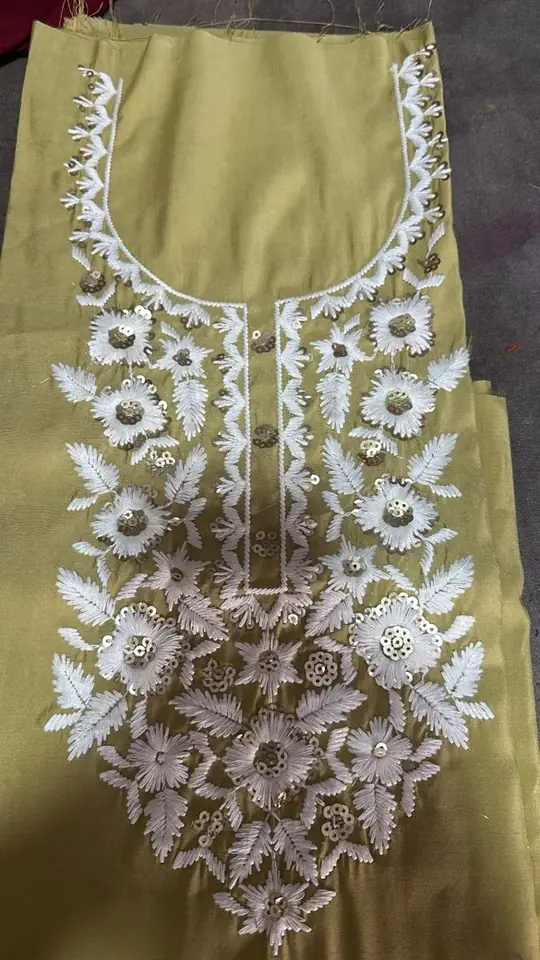
Do Smooth out every fold
Do: Press or smooth the fabric before you shoot.
Don't: Leave folds or creases across the embroidery.
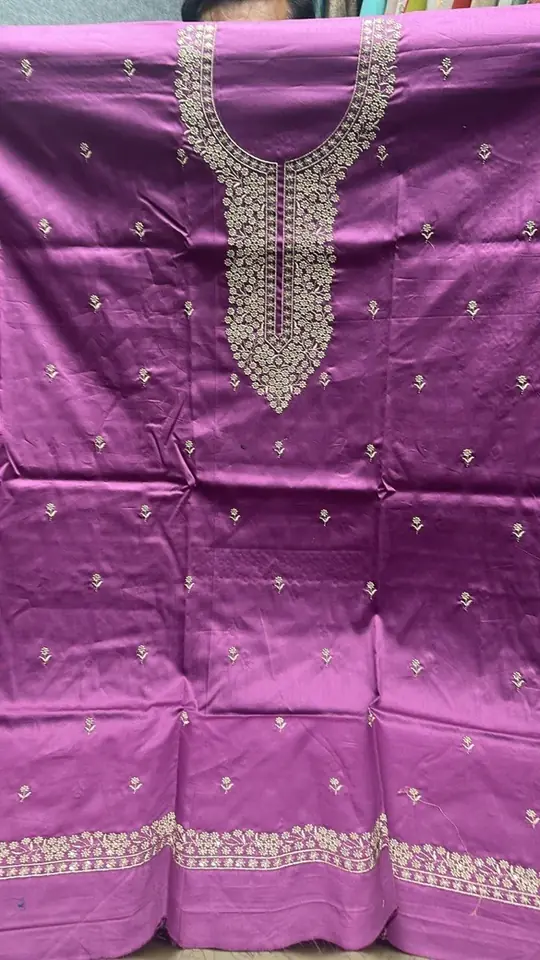
Do Don't Shoot straight down
Do: Hold the phone flat, right above the panel.
Don't: Shoot at an angle. The design comes out stretched.
Don't: Illustration of the mistake
Full dress? Split it into components
Digitizers work one part at a time. Ankit does too: a whole-dress photo gives a rough draft, one component gives a clean one.
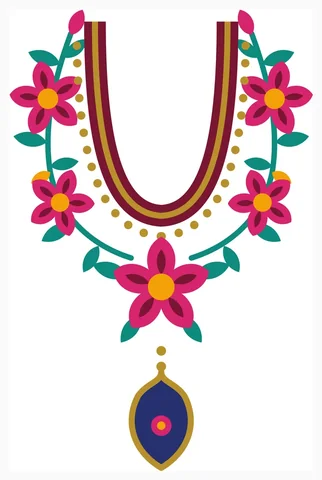 Neck Crop the neckline on its own, from shoulder to shoulder.
 Sleeve buttis Crop one butti from the sleeve, not the whole sleeve.
 Border Crop one repeat of the border, not the full length.
- Panel Crop the front or back panel by itself, laid flat.
Repeated buttis: digitize one, then repeat it in Wilcom or emCAD with Mirror-Merge or an arrangement.
Dress mode coming soon: one photo of the whole dress, split into parts for you.
Have the artwork instead?
- A scan or a PDF/PNG export works better than a photo of a screen.
- Solid colours, no gradients or shadows.
- Choose "Flat artwork" as the image type.